Slack notifications
DXLens sends two kinds of messages to Slack: a daily list of pending PRs and a weekly or monthly recap.
Connect Slack
Settings, Integrations, Connect Slack. Approve the DXLens app for your workspace.
DXLens asks Slack to post messages, post to public channels without an invite, see the channels it can post to, and read member names and email addresses so it can match people to their GitHub accounts.
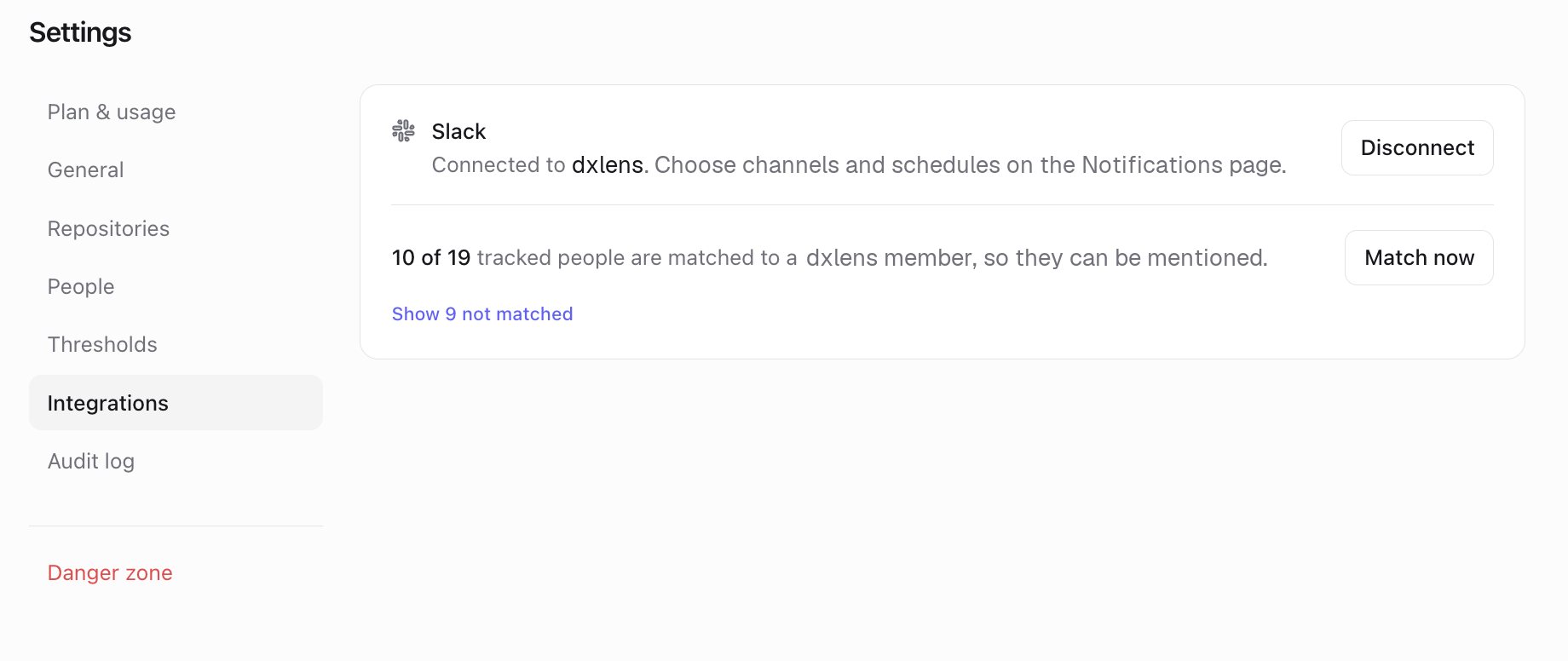
Connect Slack Choose a channel
Notifications, Organization-wide (or Teams), pick a channel under Slack channel.
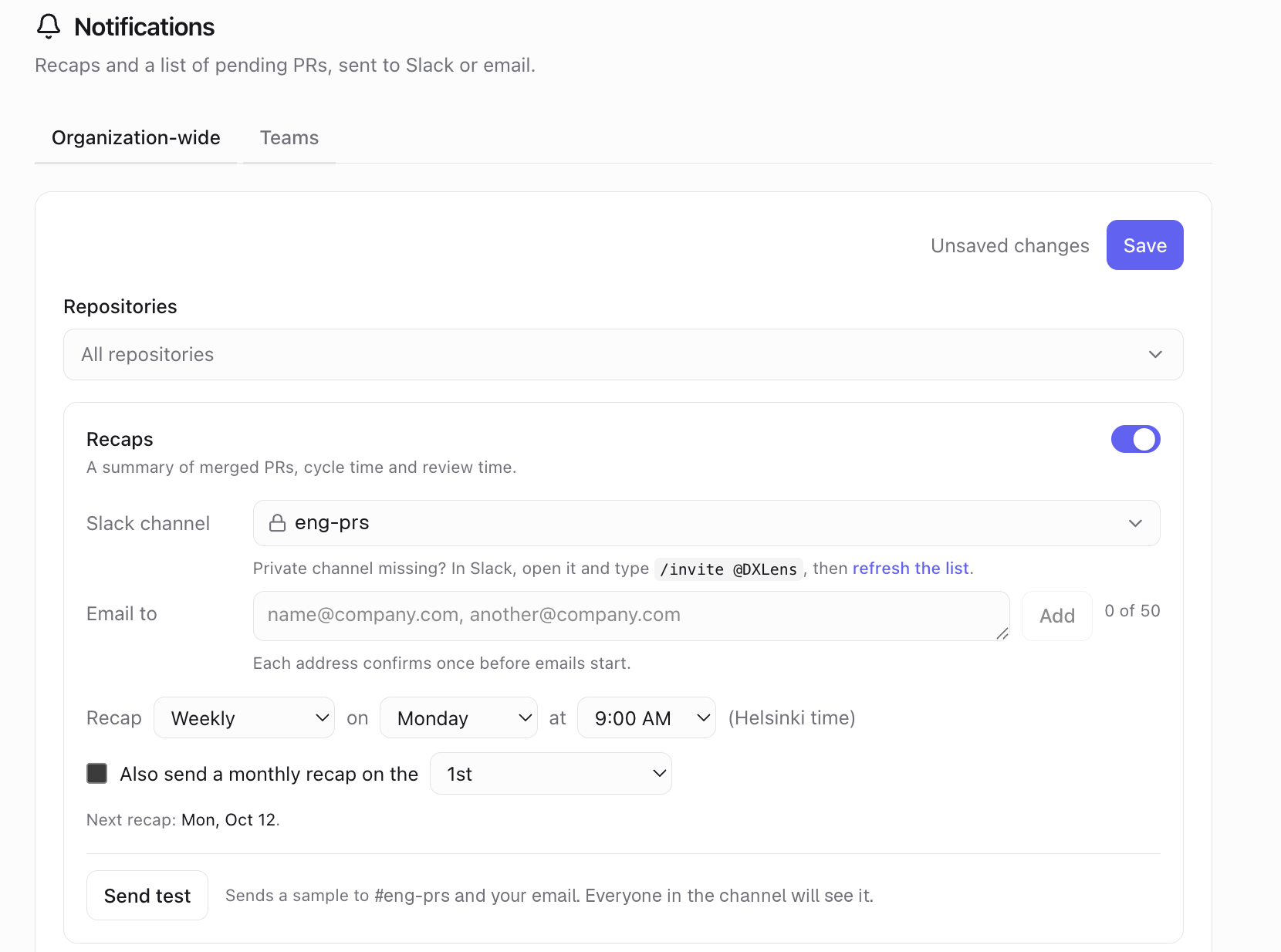
Choose a Slack channel Private channels
Private channels appear only after the app is invited. In Slack, open the channel and type
/invite @DXLens, then click "refresh the list" under the channel picker.Pending PRs (daily)
A list of open PRs that match the rules you turn on: older than N days, N lines or more, no review after N days. Choose the days and time. Nothing is sent when no PRs match. Each PR appears once.
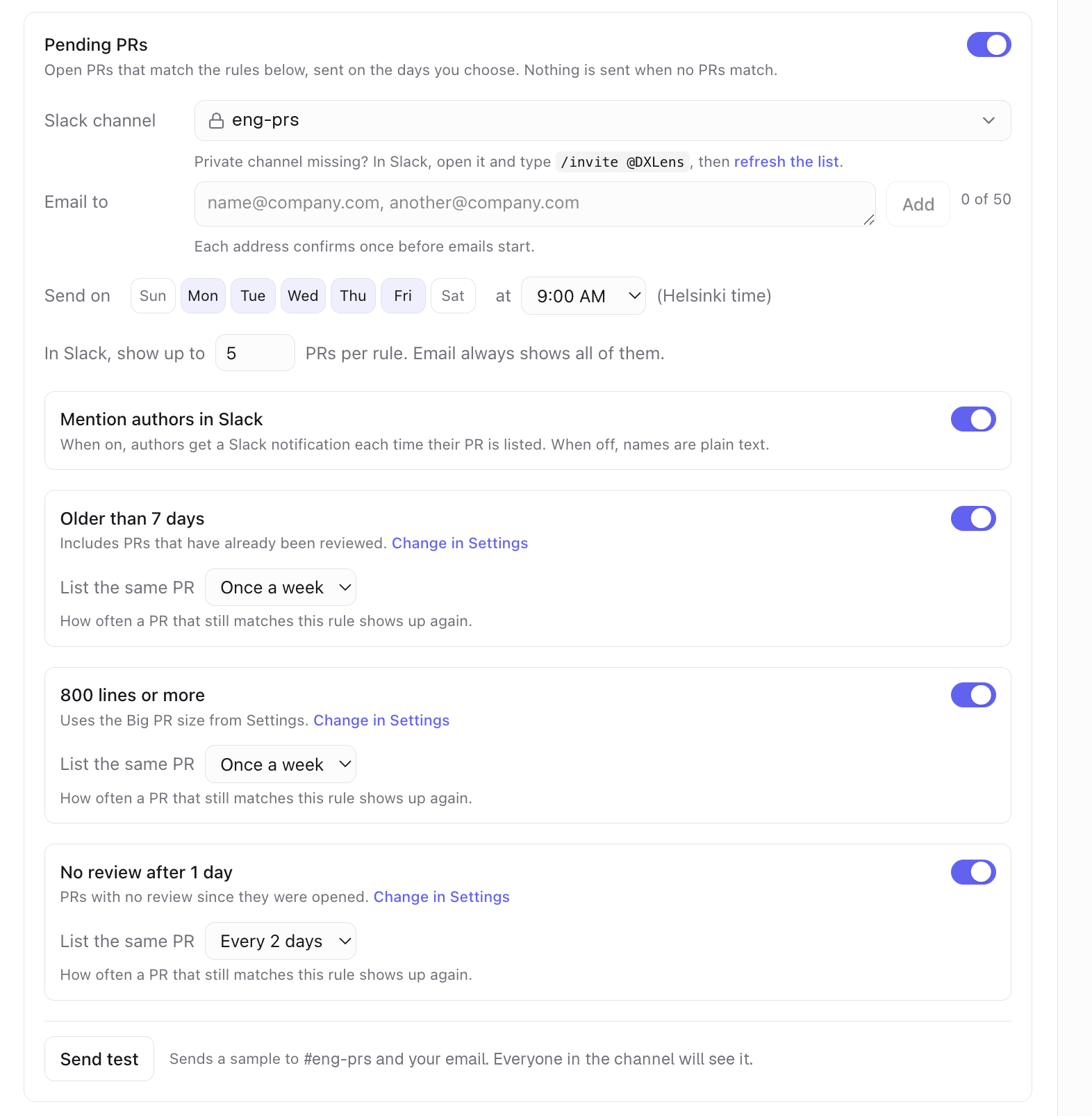
Pending PRs rules 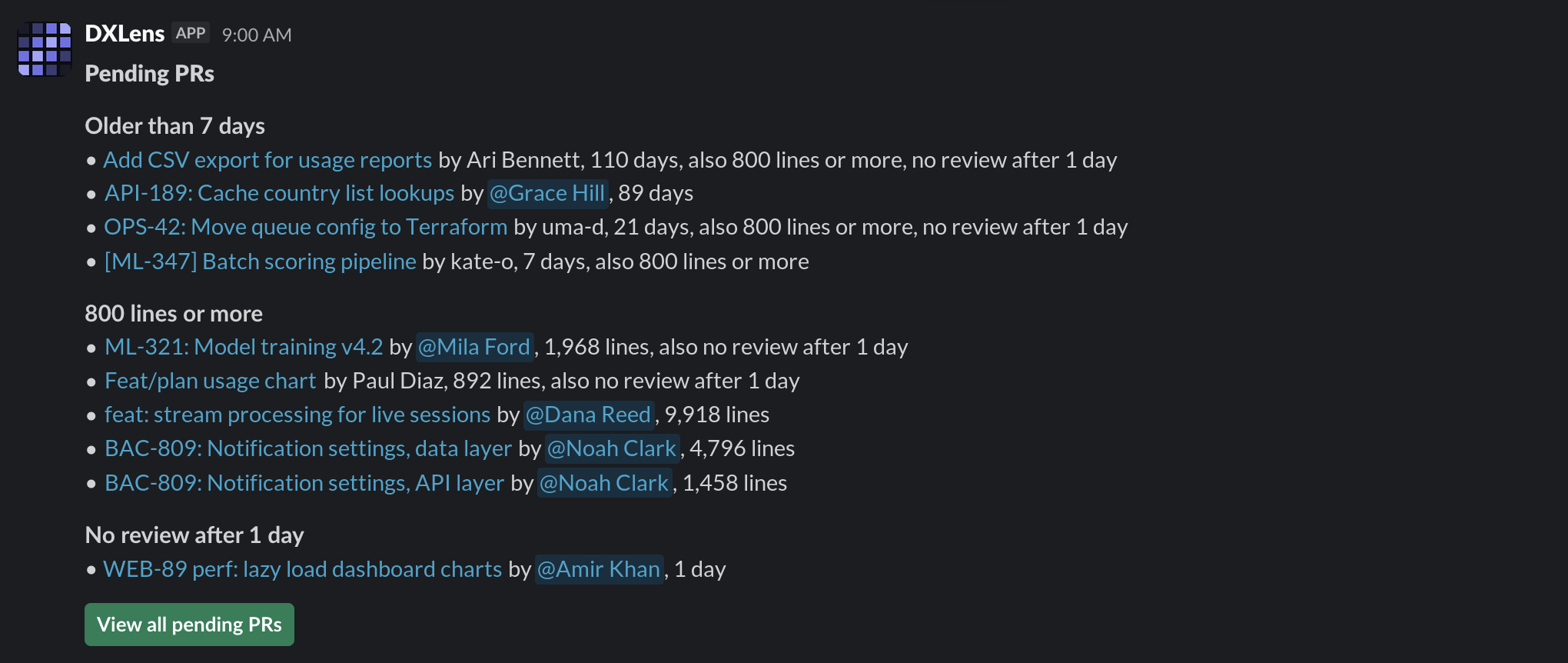
A pending PRs message in Slack Recaps (weekly, every 2 weeks, monthly)
Merged PRs, cycle time, time to first review and review coverage, compared with the previous period. Set the cadence, day and time.
Mentioning authors
On by default. PR authors are mentioned in the pending PRs list.
This needs each person's GitHub account matched to their Slack account. DXLens matches by email. A person can also link their own account: open Your account from the menu, go to Slack, enter their Slack email and click Link Slack account, then click Confirm link in the message DXLens sends them in Slack.
Send a test
"Send test" posts a sample to the selected channel and your email. Everyone in the channel will see it.
The same recaps and pending PRs lists can go to email addresses listed under "Email to". Addresses on your organization's email domain start right away. Any other address gets one confirmation email, and emails start after the link in it is clicked.
Something unclear? Email support@dxlens.io