Reports and the Debrief
Every recap DXLens sends is kept, and the Debrief sums up a quarter.
Saved reports
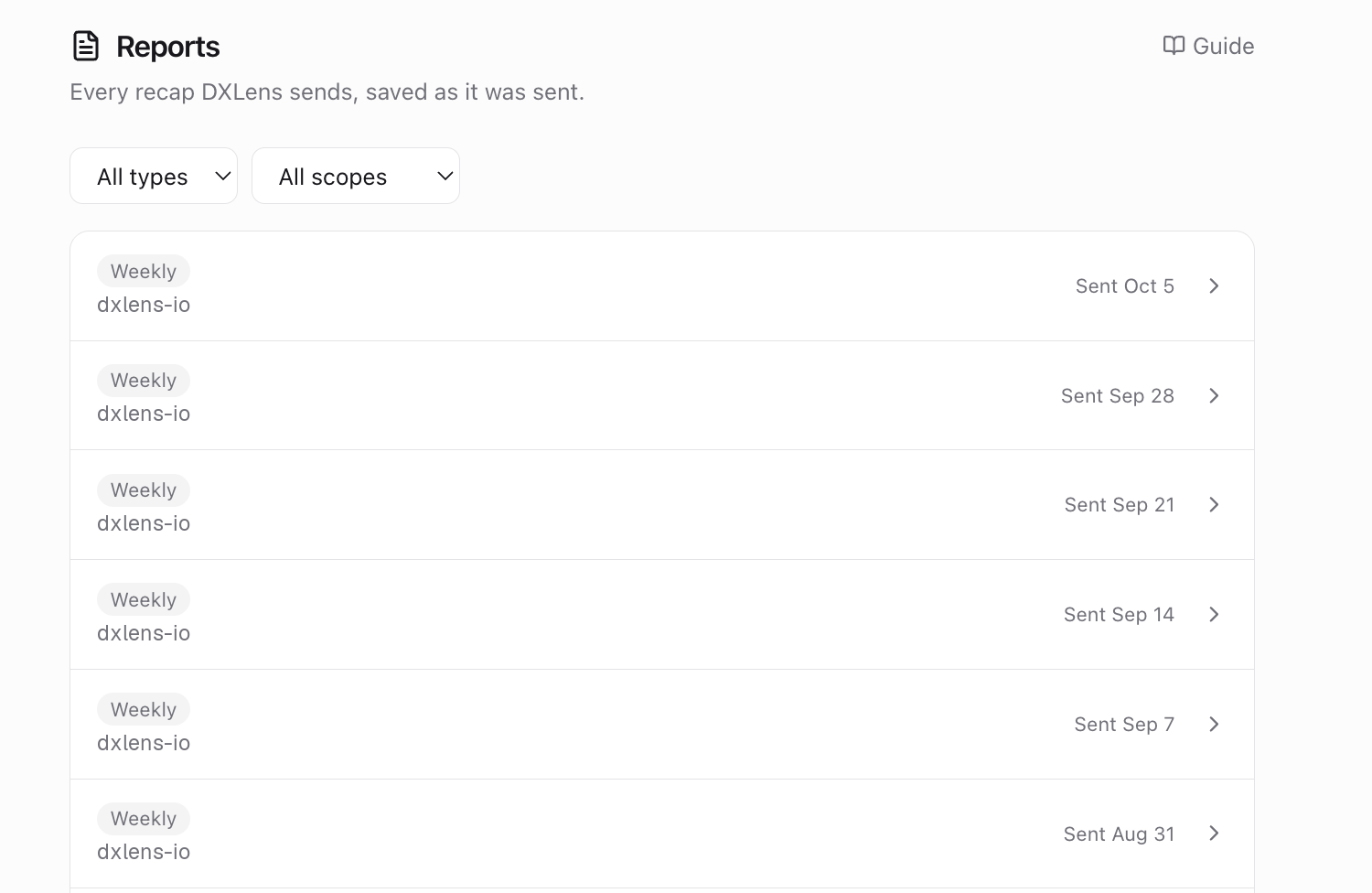
Reports in the header lists every recap that was sent, with its period and scope. Open one to see it as it was sent.
Saved reports The Debrief
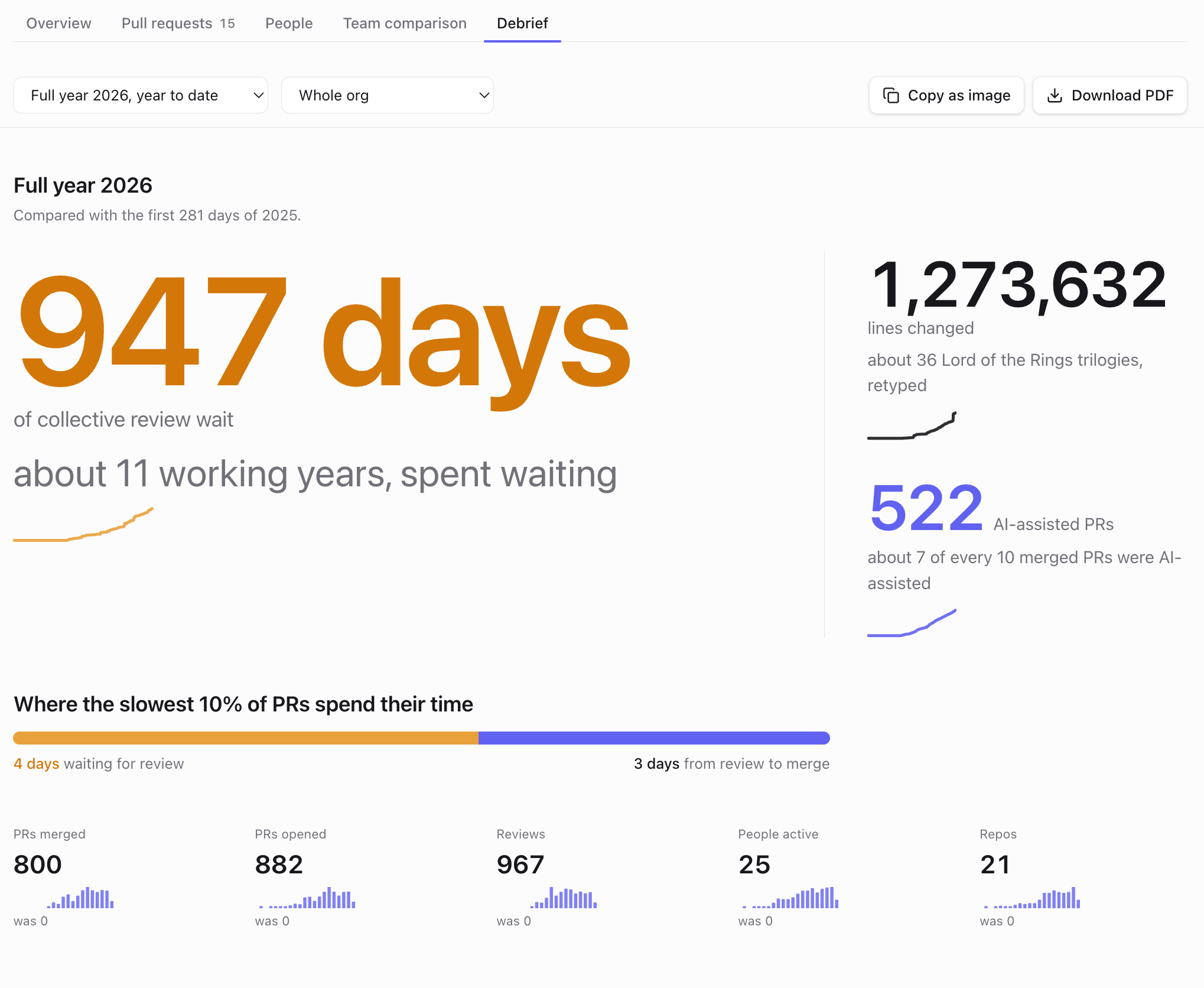
The Debrief tab shows a quarter (or the year so far) as big numbers with comparisons: collective review wait, lines changed, AI-assisted PRs, records, busiest hour, and what changed since the previous period.
Debrief Sharing
"Copy as image" copies the Debrief as a PNG. Where the browser can't copy images, it downloads the PNG instead. "Download PDF" saves it as a single-page PDF with the DXLens header.
Something unclear? Email support@dxlens.io