Repositories and people
Control what DXLens counts.
Tracked repositories
Settings, Repositories. Only tracked repositories are synced and counted. A repository you add later imports the last 90 days of history on its next sync.
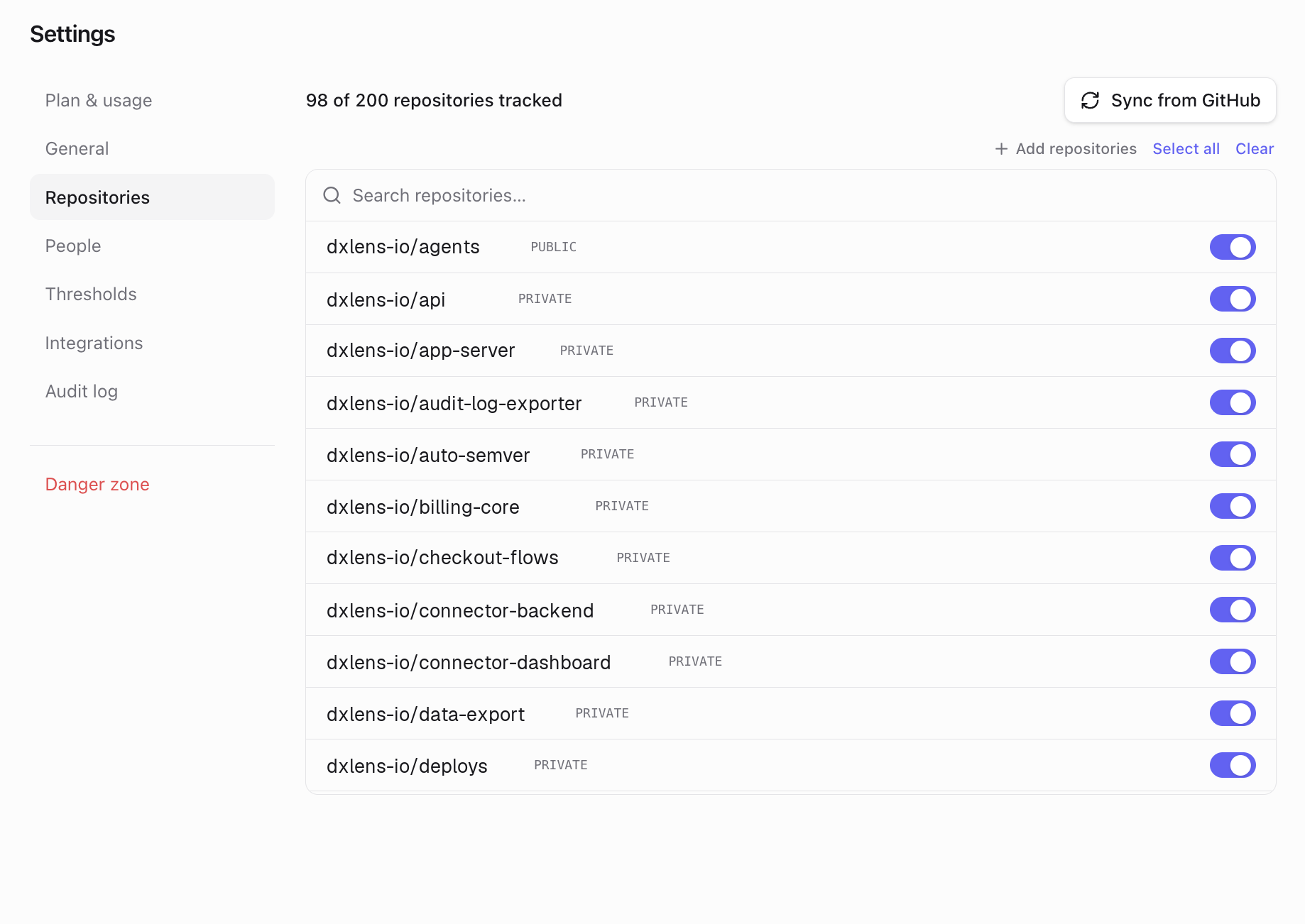
Tracked repositories Tracked people
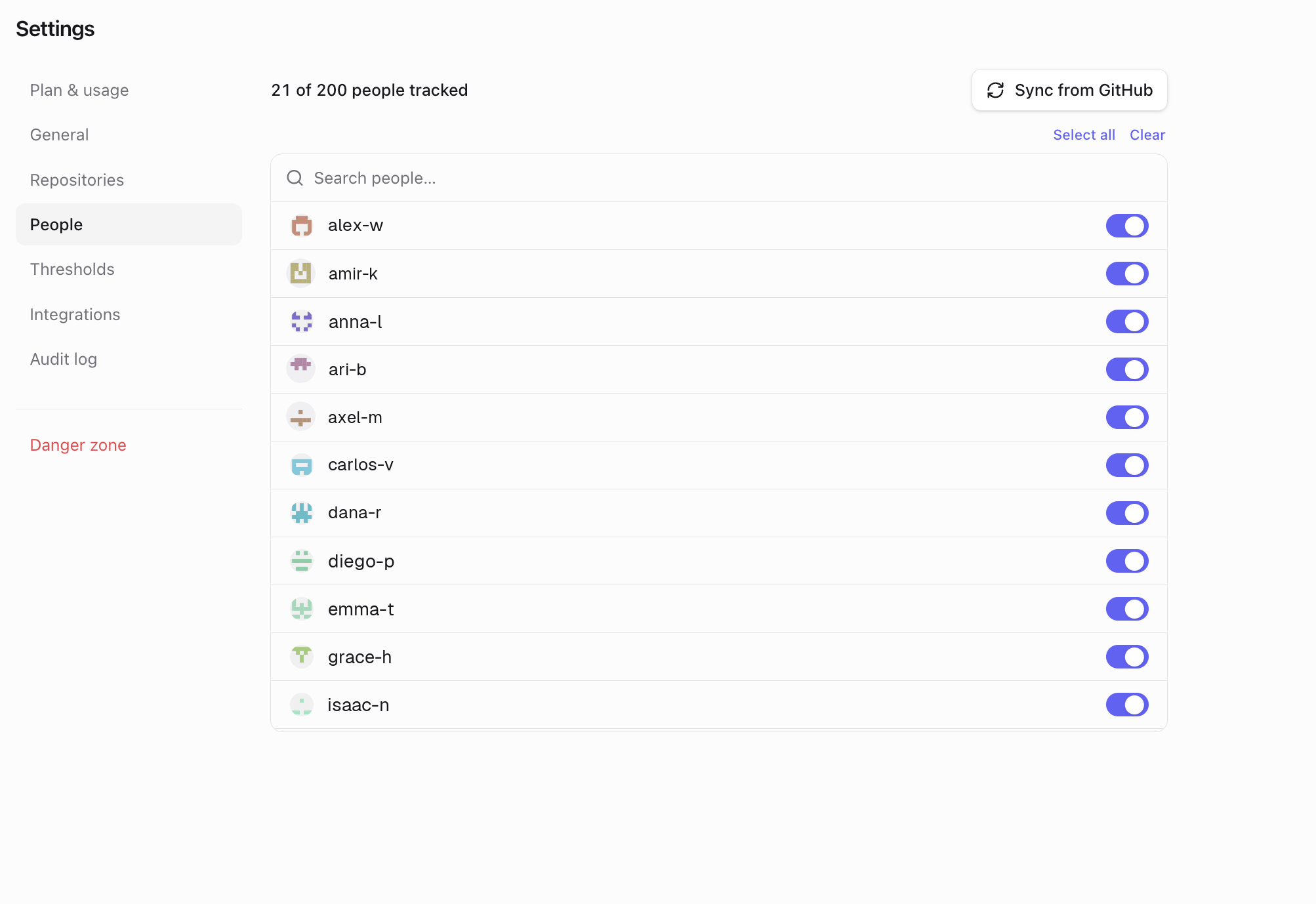
Settings, People. People who opened, merged or reviewed a PR in the last 180 days are turned on automatically, up to your plan's limit. People you turn off stay off.
Turning someone off hides them from the People and Team comparison tabs, for example contractors or alumni. Their PRs still count in the Overview, the Pull requests page and notifications. To leave someone's PRs out everywhere, add them to Ignored authors.
Tracked people Bots and ignored authors
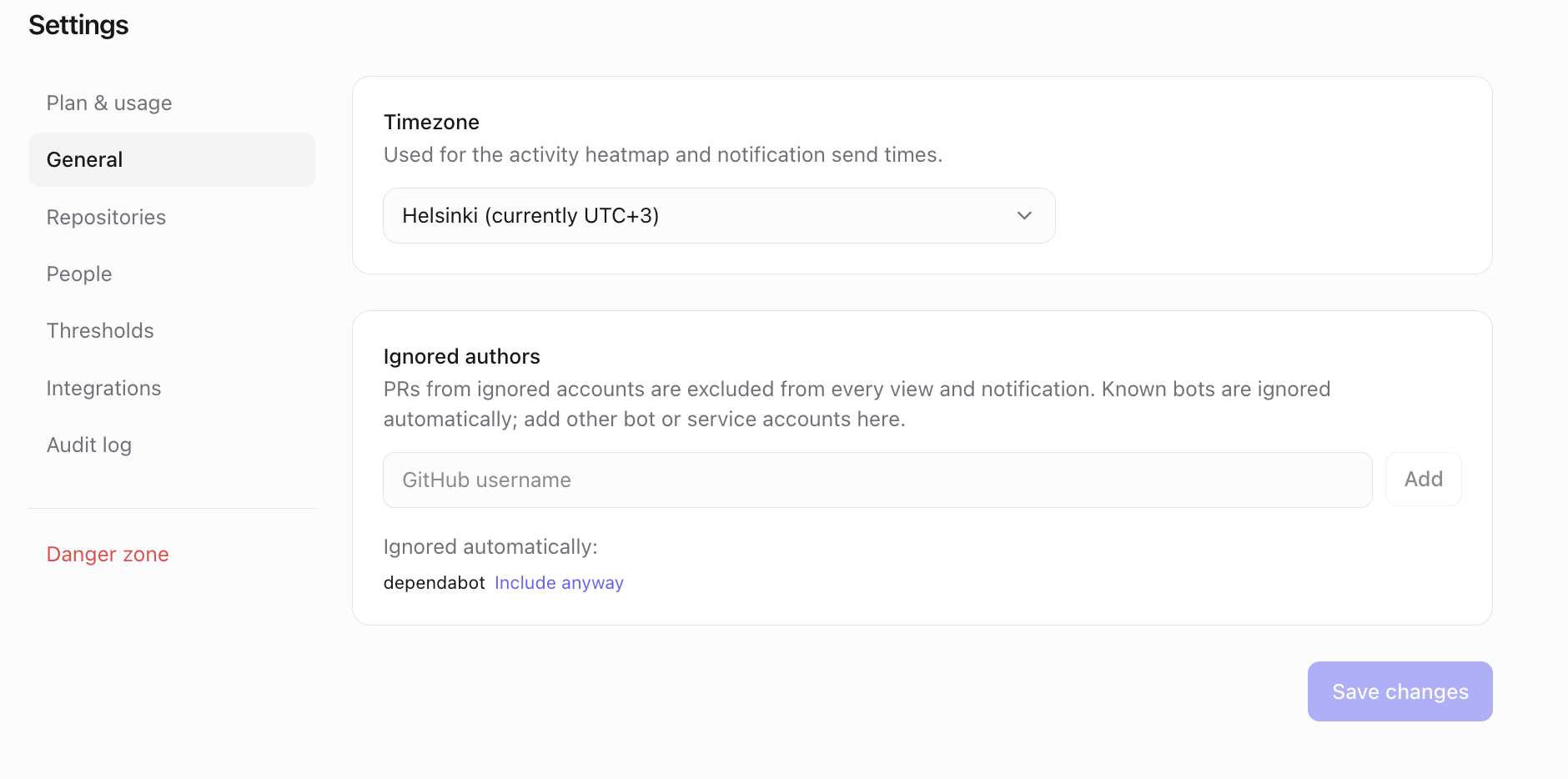
Known bots (dependabot, renovate, github-actions and others) are ignored automatically. Add other bot or service accounts in Settings, General, Ignored authors. Ignored authors are excluded from every view and notification, including already synced PRs.
Ignored authors Thresholds
Settings, Thresholds: Aging cutoff (days), Big PR (lines) and Review target (days). They set the "older than", "lines or more" and "no review after" limits used by the Pull requests page and the pending PRs notifications. Each team can override them.
Timezone
Settings, General: the organization timezone used for notification times and the activity-by-hour views.
Plan limits
Trial (7 days) Team Business Tracked repositories 200 50 200 Tracked people 200 Seats you buy (5 to 200) Seats you buy (5 to 200) History shown 365 days 90 days 365 days Team notifications Yes No Yes Team comparison Yes No Yes At a limit you can't turn on more until you turn one off or upgrade. Nothing is deleted. If your plan's limit goes down, DXLens keeps the most recently active repositories and people tracked and turns off the rest. Data is kept for 12 months on every plan.
Something unclear? Email support@dxlens.io