Getting started
From sign-in to your first Overview takes about five minutes.
Sign in with GitHub
Go to app.dxlens.io and sign in with your GitHub account.
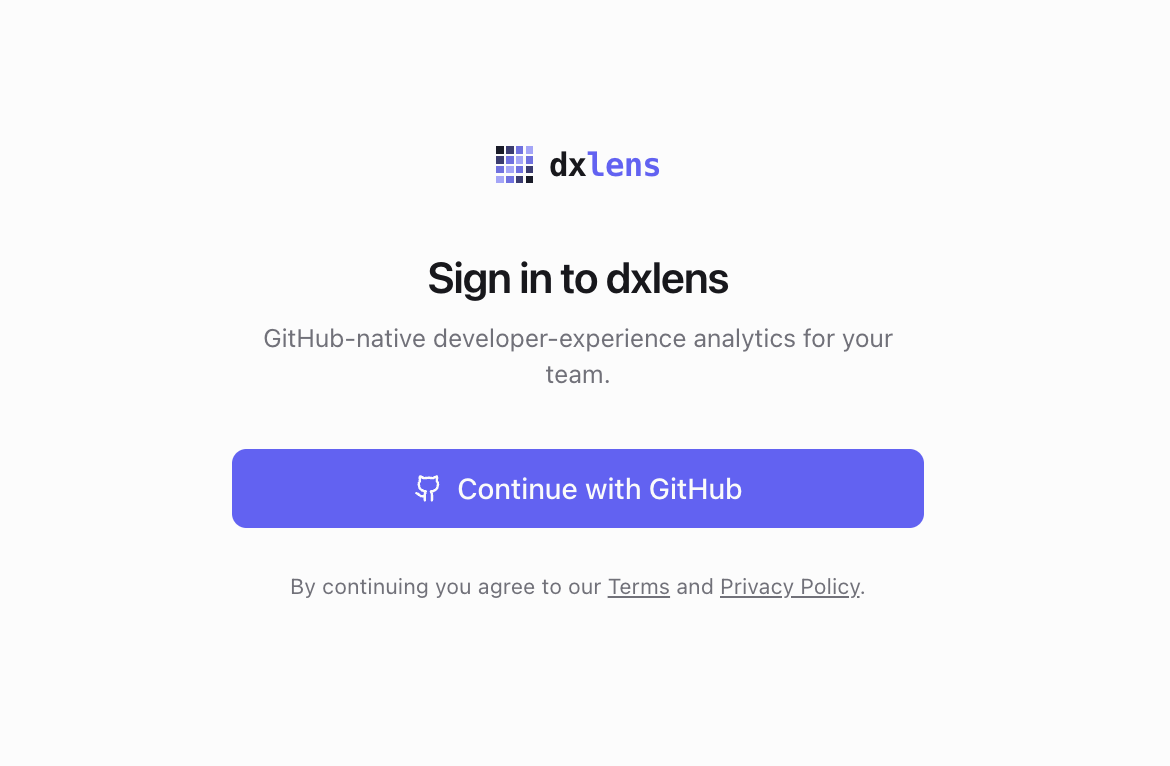
Sign in with GitHub Install the DXLens GitHub App
Choose the organization and the repositories DXLens may read. You can change this later in GitHub under Settings, Applications.
DXLens asks for read-only access to repository metadata, pull requests, contents, issues, checks, actions, deployments, organization members and email addresses. It never writes to your repositories.
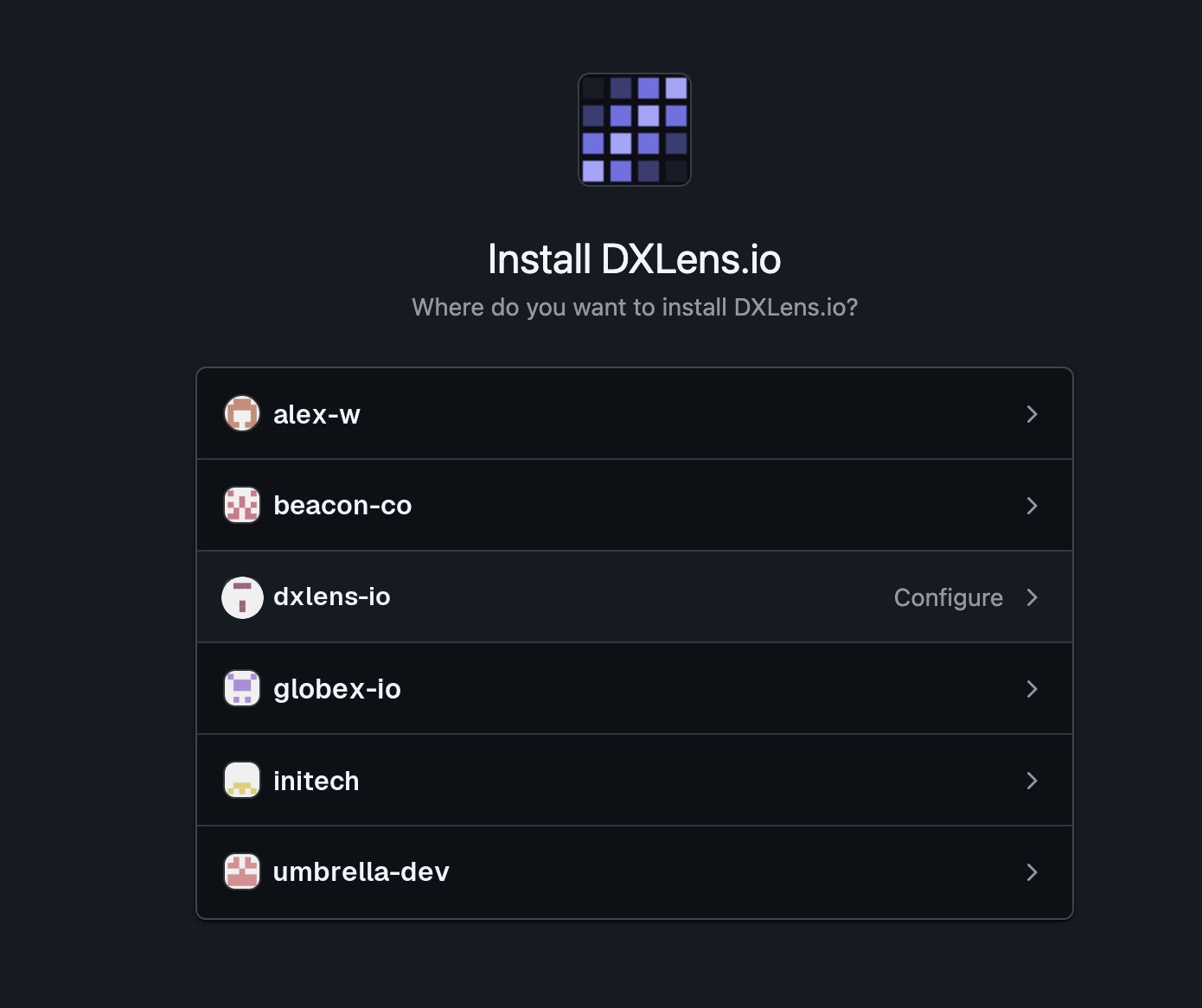
Choose repositories for the GitHub App Choose which repositories to track
In Settings, Repositories, turn on the repositories you want in the numbers. No repository is tracked until you turn it on.
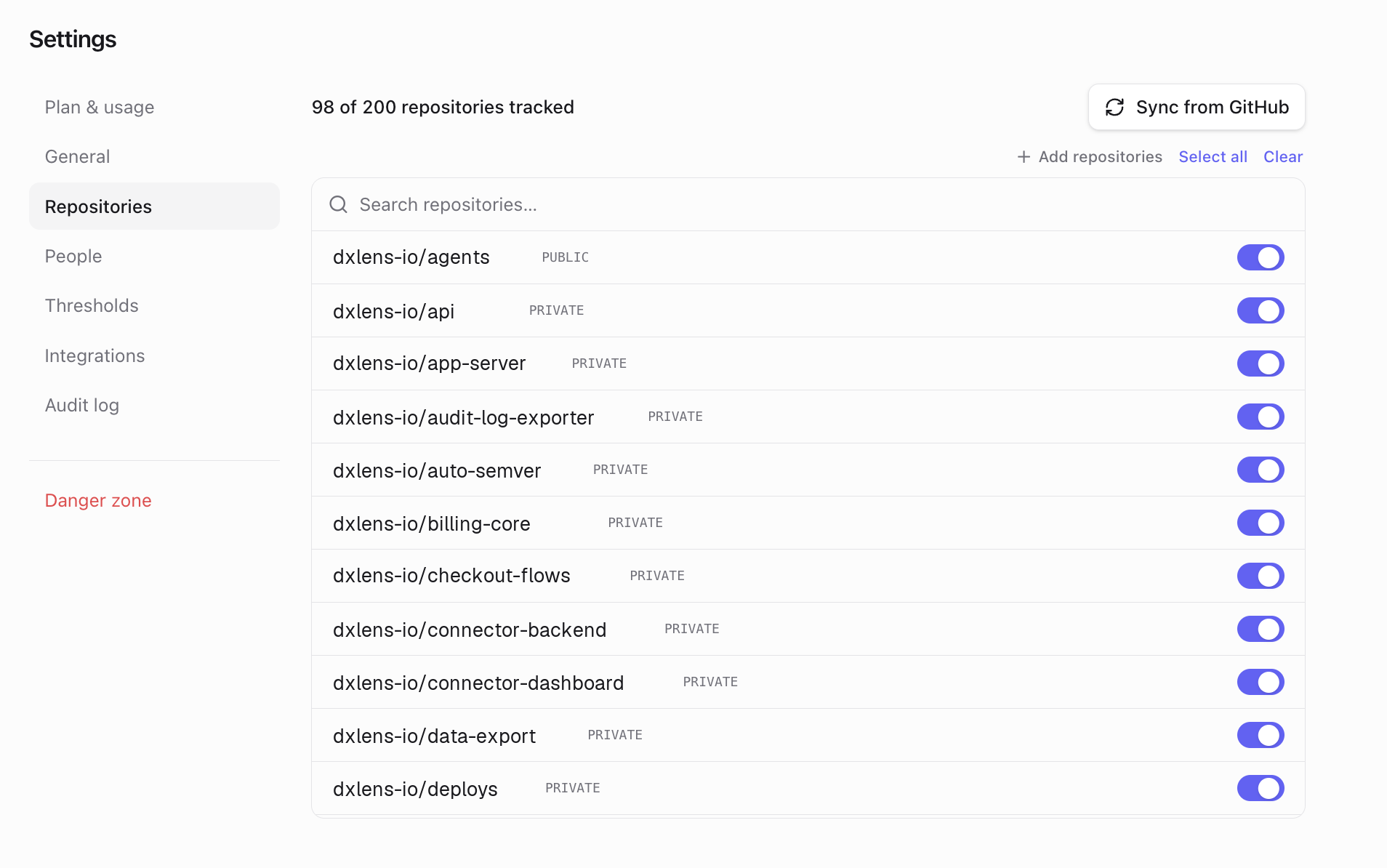
Tracked repositories Wait for the first sync
The first sync imports the last 90 days of history and takes a few minutes for most organizations. The header shows "Synced X minutes ago" when it's done.

The first sync is complete Open the Overview
Pick a date range and look at the stat cards, the calendar and the charts.
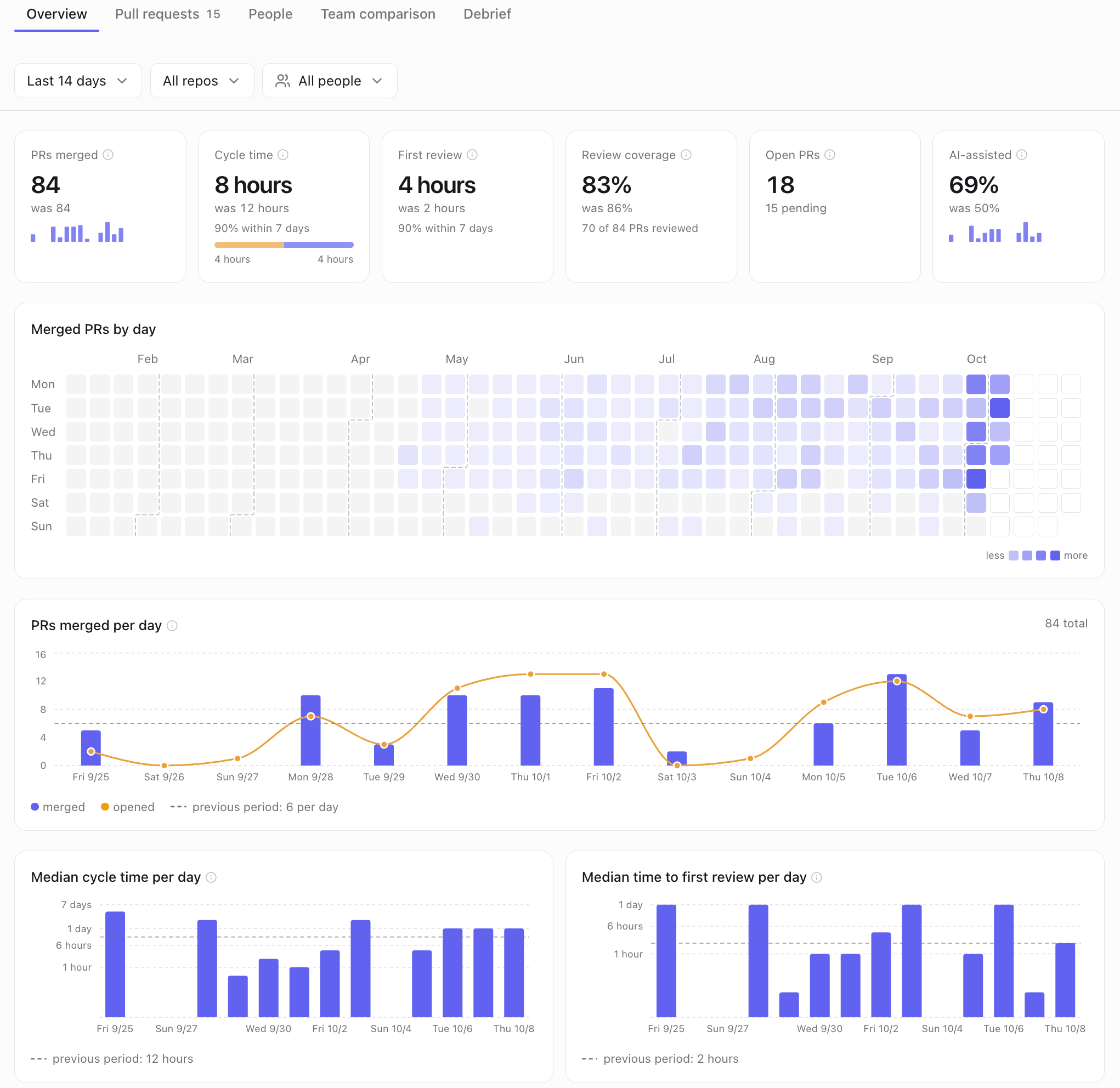
Overview after the first sync
What's next
Something unclear? Email support@dxlens.io